MyWMS
A mobile-first warehouse management system built for warehouse operators working with rugged handheld devices. Features barcode-first scanning workflows, batch picking, offline-first architecture, and real-time ERP synchronization — designed to maximize throughput and minimize errors in demanding warehouse environments.
Lead Developer
Screenshots
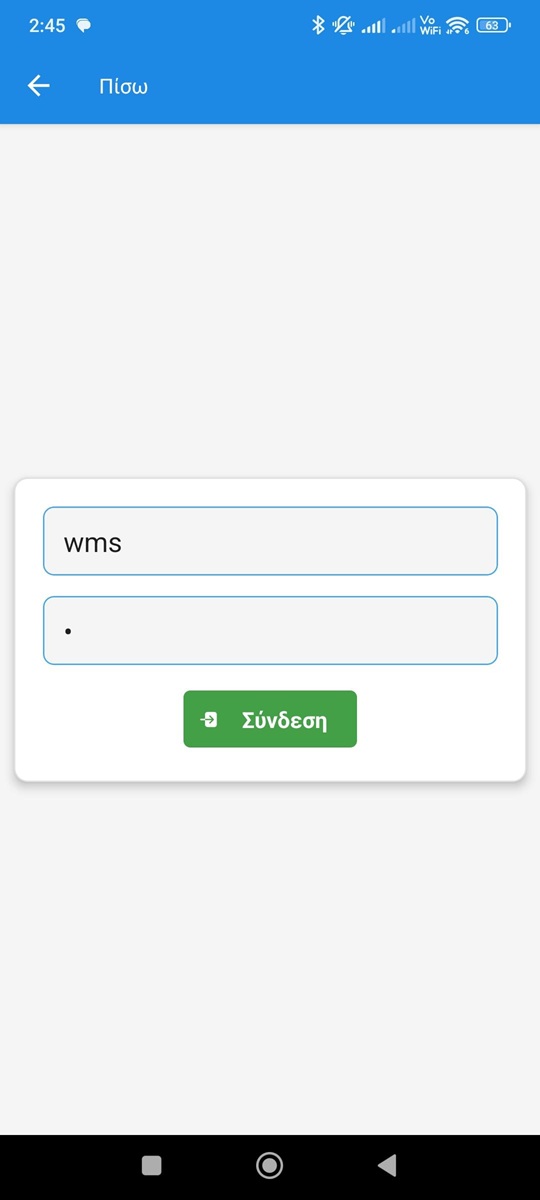
Login & Licensing
Secure sign-in with license-based access control, ensuring only authorized users/devices can use the app.
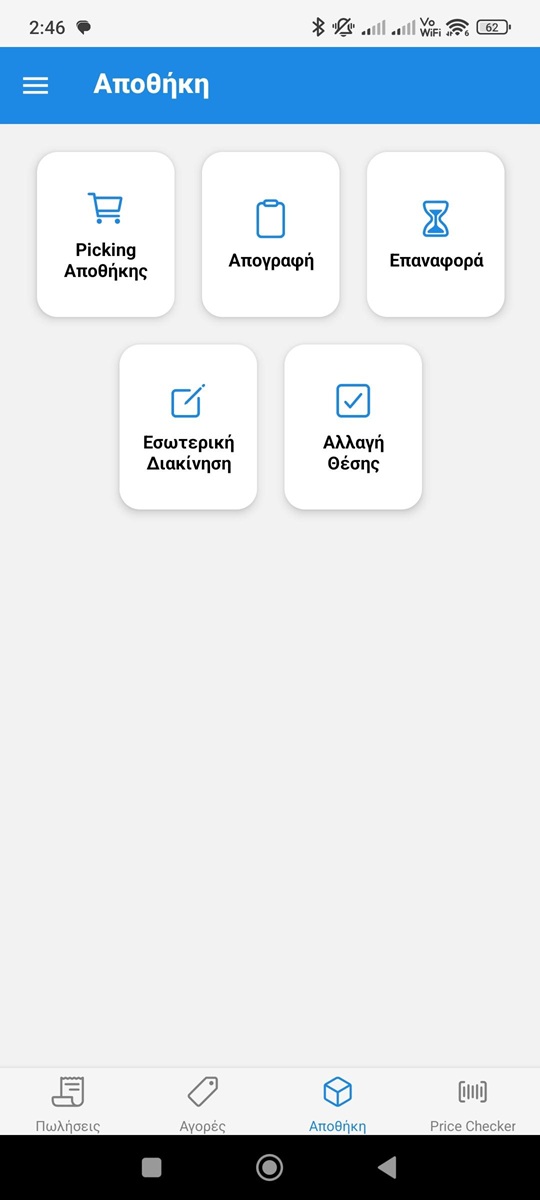
Main Menu (Sales / Buys / Warehouse / Price Checker)
Clear module-based navigation that maps directly to real warehouse workflows and reduces training time.
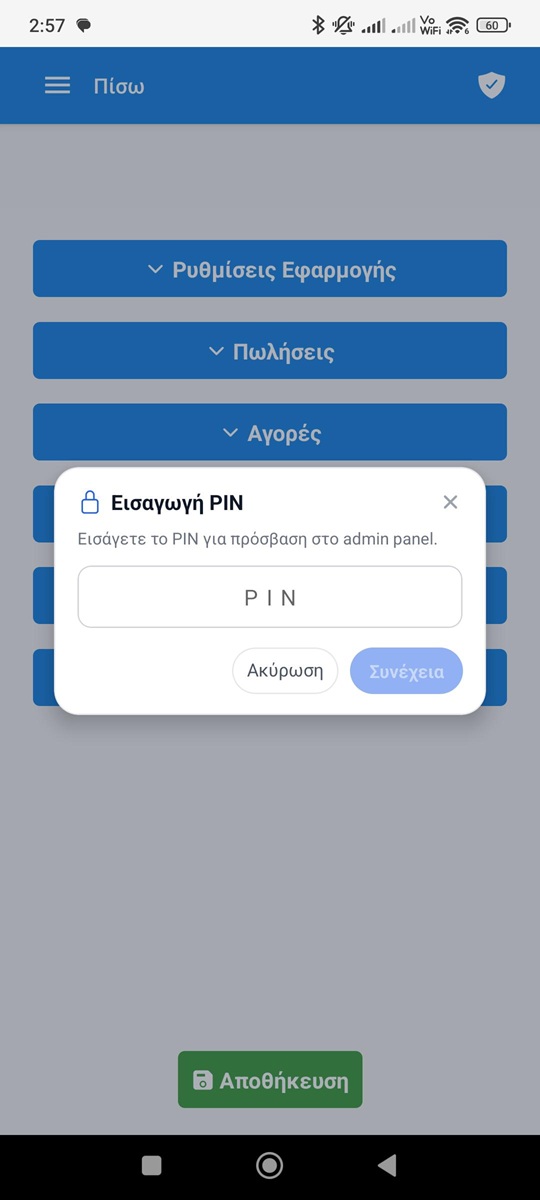
Admin Panel (PIN-Protected)
Restricted admin area (PIN unlock) for sensitive operations like database maintenance, settings management, and system controls.
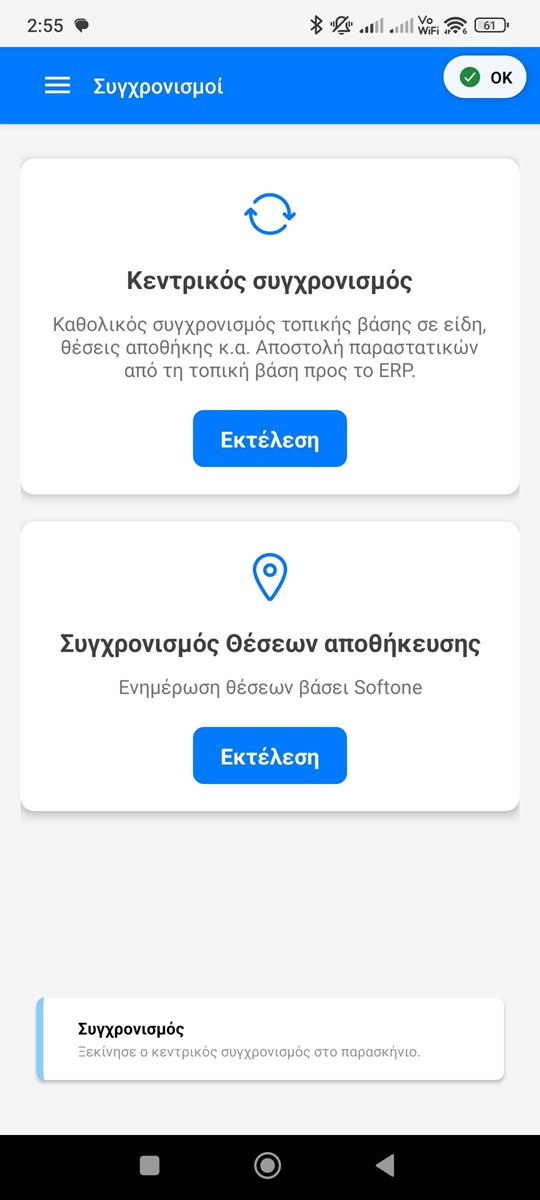
Connection & Storage Mode Settings (ERP + SQLite)
Configurable connection to the ERP plus offline-first options, allowing operation under poor or unstable network conditions.
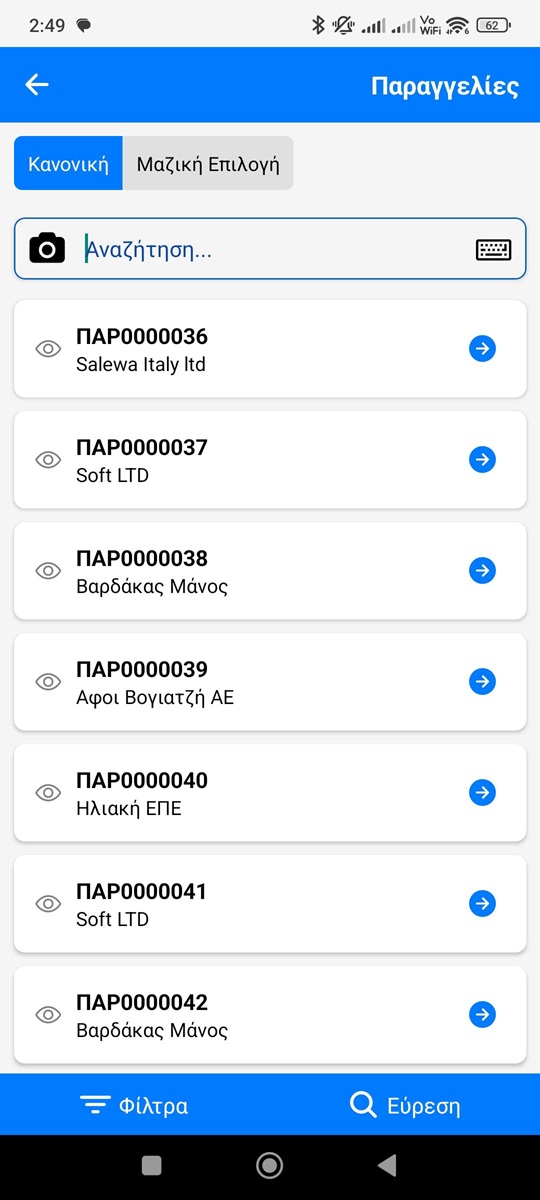
Orders List (Single-Order Flow)
High-performance order list with quick search and status visibility, optimized for large volumes of documents.
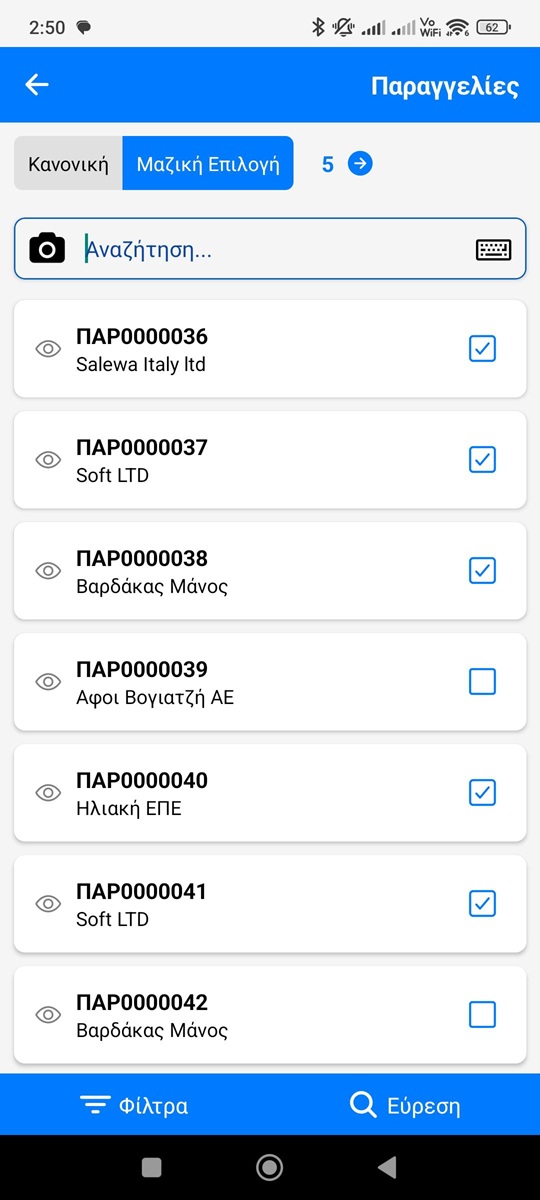
Multi-Order Selection (Batch Picking)
Batch picking mode to select multiple orders and process them efficiently, reducing walking time and improving throughput.
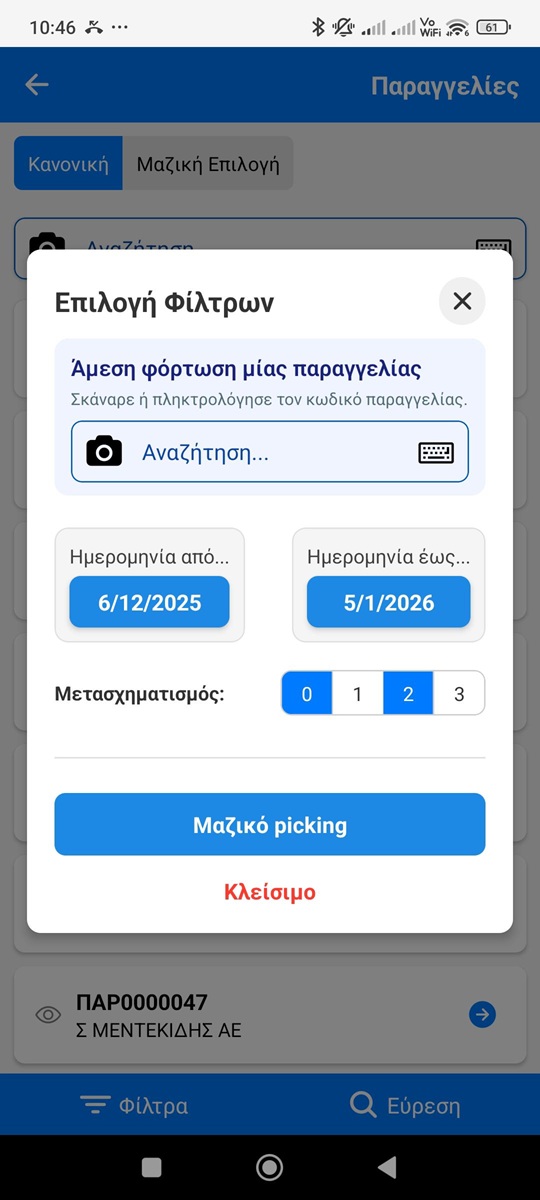
Filters / Date Range / Targeted Fetch
Advanced filtering to quickly locate specific orders (by date range or criteria) and minimize noise in high-traffic environments.
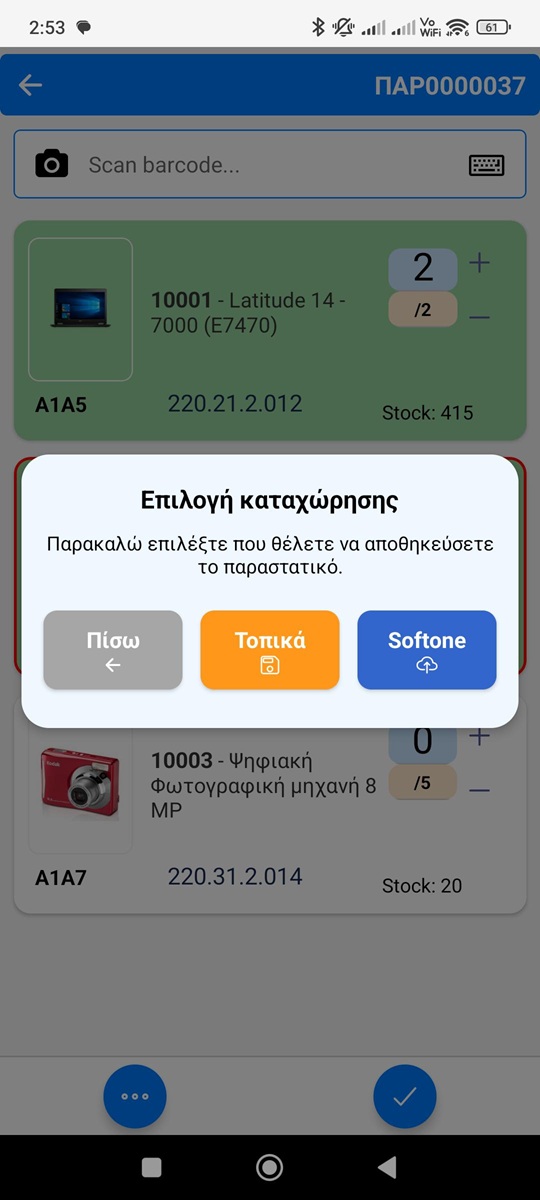
Sync Choice (Local vs ERP)
Flexible sync workflow: work locally (SQLite) and upload later, or work directly against the ERP for real-time operations.
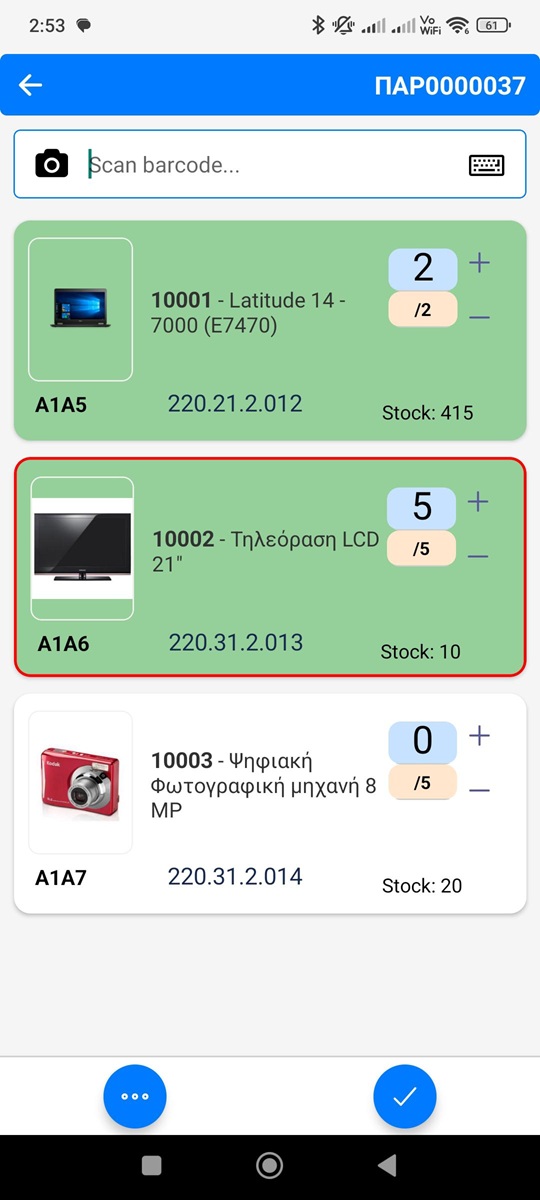
Picking Screen (Scan-Driven Execution)
Barcode-first picking screen: scan to match the correct line, update quantities instantly, and prevent wrong-item errors.
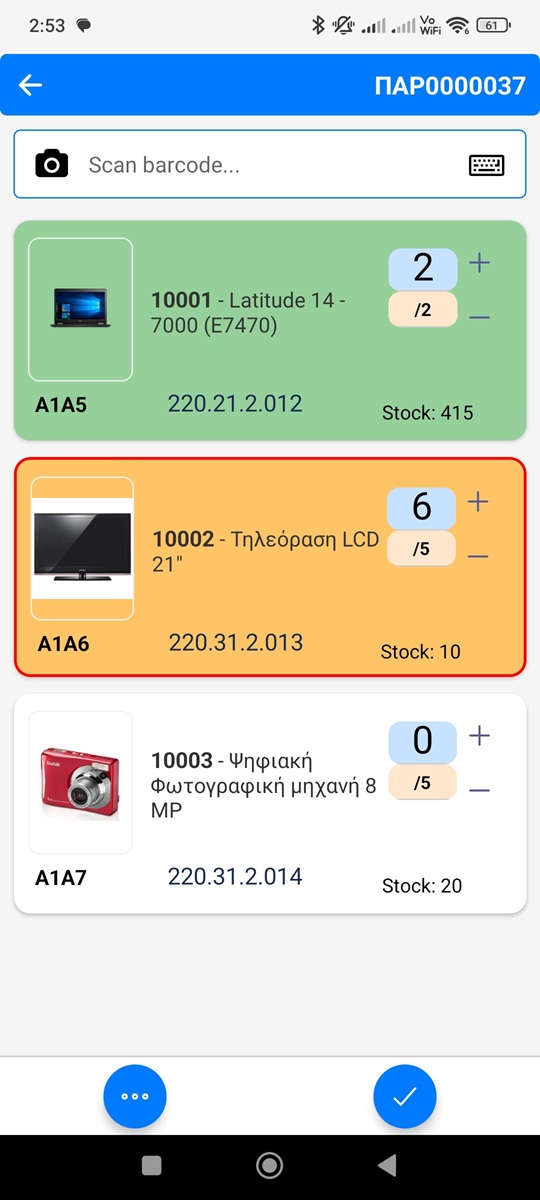
Visual Status Indicators (Complete / Overpicked / Pending)
Color-coded line states that immediately communicate progress and exceptions (e.g., completed or over-picked) for faster decisions.
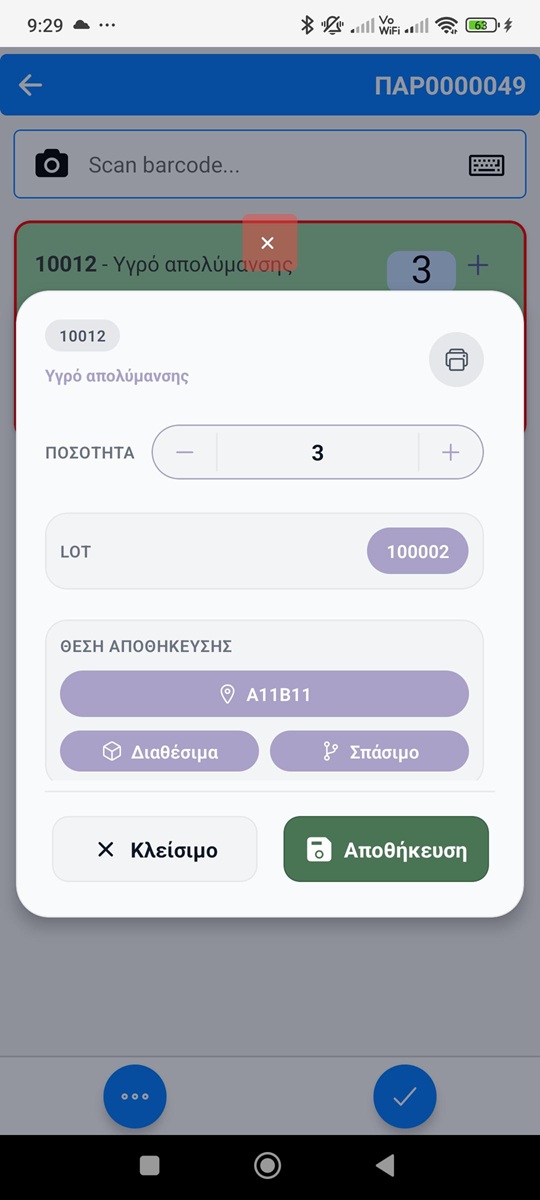
Line Actions / Quantity Edit Modal & Lot Handling (Expiry / Traceability)
Fast line-level controls for editing quantity, printing labels and handling exceptions safely, without disrupting the primary scan flow. Lot selection with expiry/traceability support.
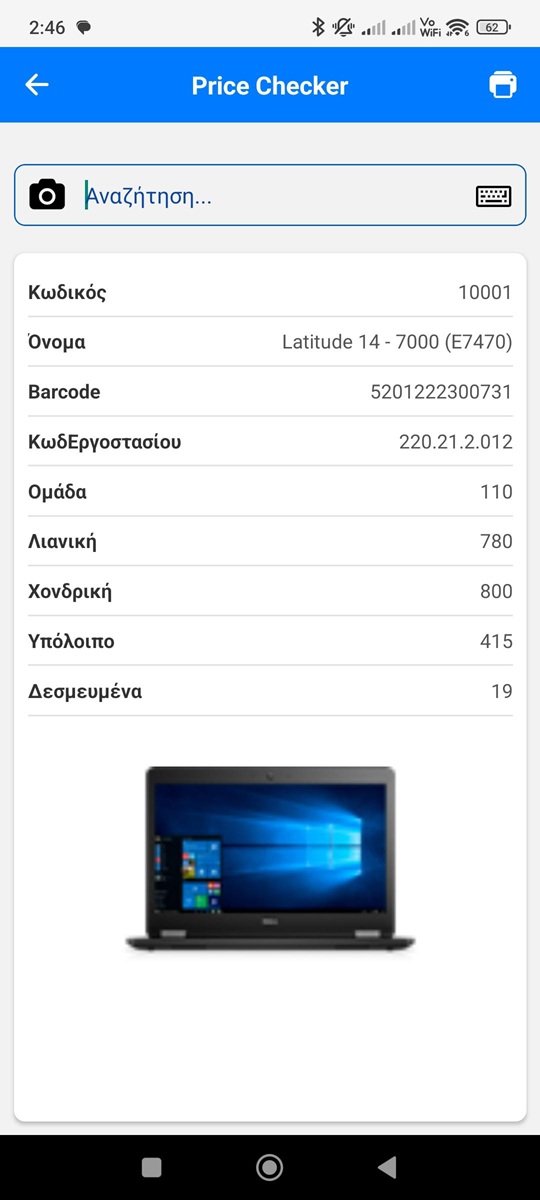
Price Checker (Scan-to-Info & Label Printing)
Instant item lookup by barcode: retrieves live product details from the ERP and supports on-demand label printing at the point of use.
Challenge
Optimizing performance and usability on older Android devices in warehouse environments with limited or unstable connectivity.
Solution
Implemented offline-first architecture with local SQLite caching, configurable sync modes (local vs. ERP), and touch-optimized UI for gloved operation.
Results
- Reduced picking errors with barcode-first scanning
- Enabled continuous operation offline with sync-on-demand
- Optimized for rugged handheld hardware
Interested in a Similar Project?
Contact for quote — I'll help you design and build a solution tailored to your needs.
Let's Talk